What is DomainWill?
▼
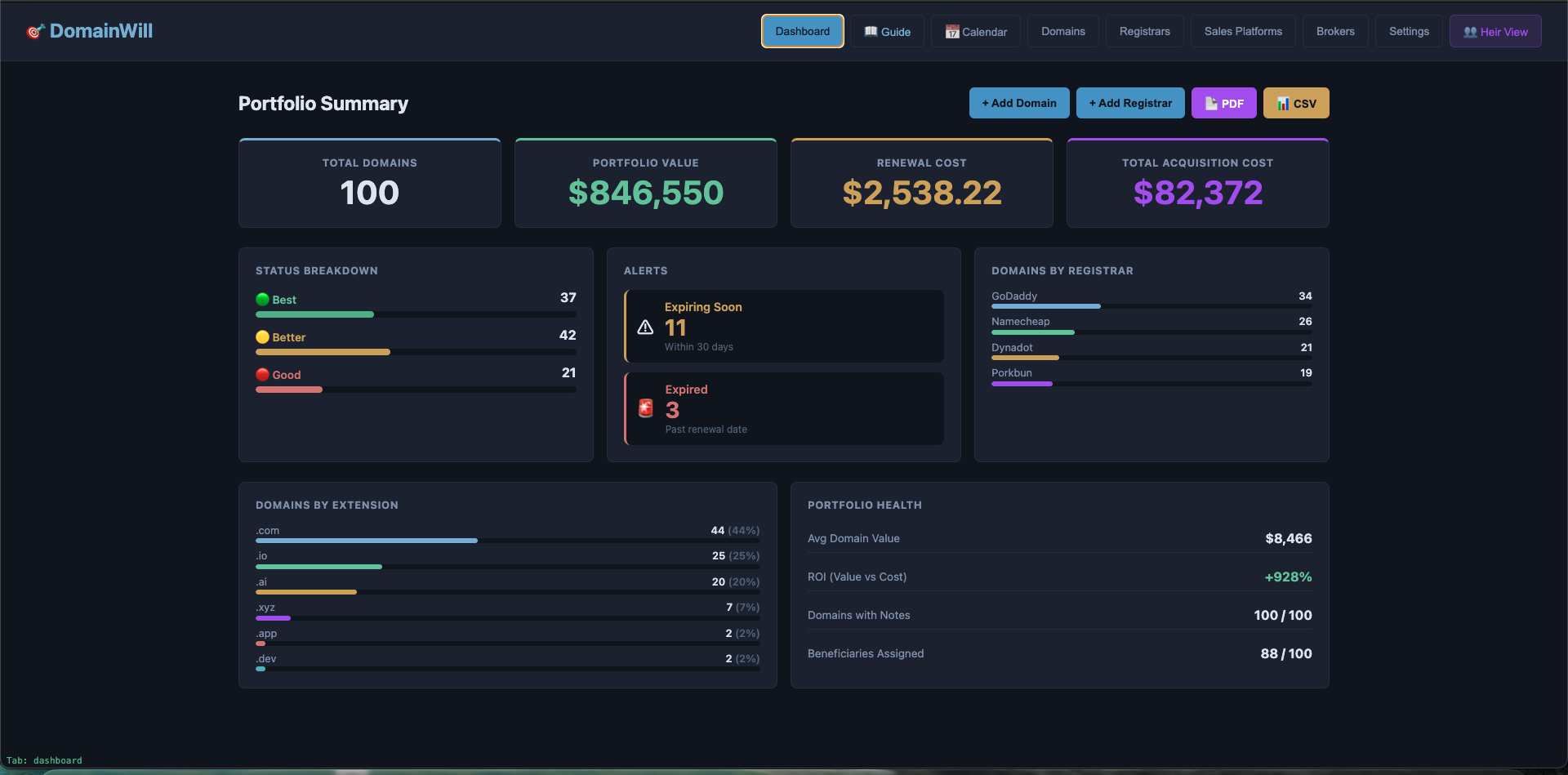
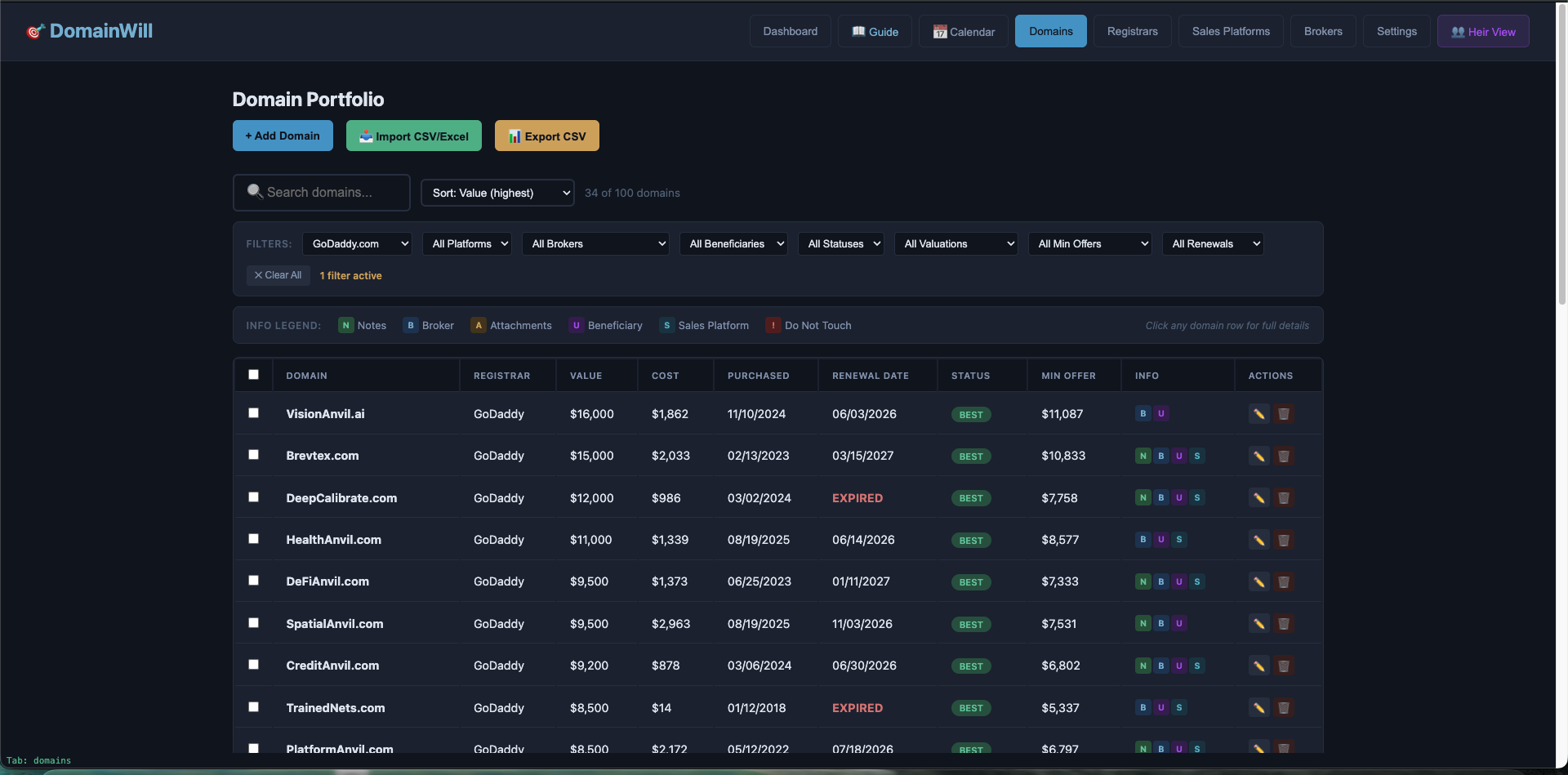
DomainWill is a desktop app built specifically for domain investors to organize their portfolio for inheritance. It stores your registrar credentials, domain valuations, broker contacts, and heir instructions — all encrypted locally on your machine. When something happens to you, your heirs have everything they need.
Is my data sent anywhere?
▼
No. No. DomainWill is 100% local. Your data is encrypted with AES-256 and stored on your hard drive. There are no servers, no cloud sync, no telemetry, and no network calls. We literally cannot see your data even if we wanted to.
What encryption does it use?
▼
AES-256 via CryptoJS — the same encryption standard used by governments and financial institutions. Your entire vault database is encrypted at rest with your master password. The password itself is never stored anywhere.
What happens if I lose my password?
▼
If you set up a 12-word recovery phrase (strongly recommended), you can use that to unlock your vault. After logging in with your recovery phrase, you'll be prompted to set a new password immediately — so you're never stuck without one. If you have neither your password nor recovery phrase, your data is permanently inaccessible — that's encryption working as designed. This is why we recommend storing your password in a safe deposit box and generating a recovery phrase.
How does the Dead Man's Switch work?
▼
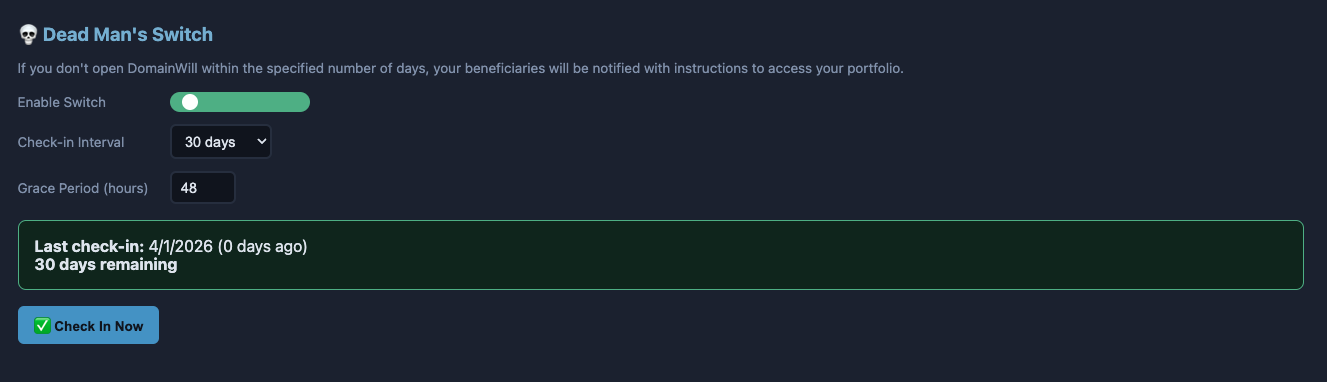
You configure a check-in interval (7 days to 1 year). Every time you open DomainWill, the timer resets. If you don't open it within your interval, a grace period starts (configurable, default 48 hours). If you still don't check in, your beneficiaries automatically receive an email with your inheritance PDF and encrypted vault file.
Can my heir accidentally sell or delete my domains?
▼
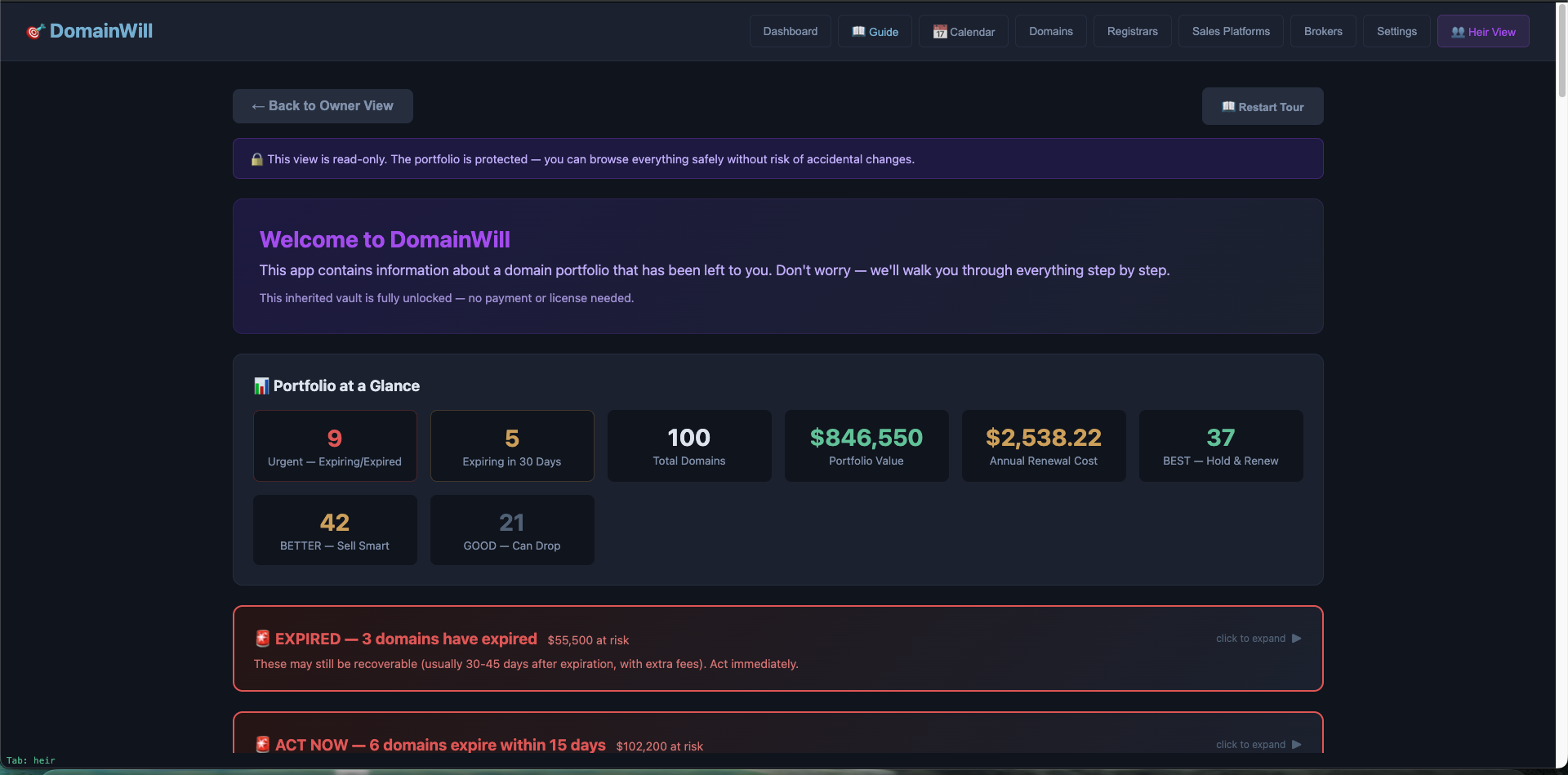
Heir Mode is a separate, guided view designed for non-domainers. Domains flagged as "Do Not Touch" are shown in a prominent red warning zone. The app guides them to contact a broker before making any major decisions.
What registrars are supported?
▼
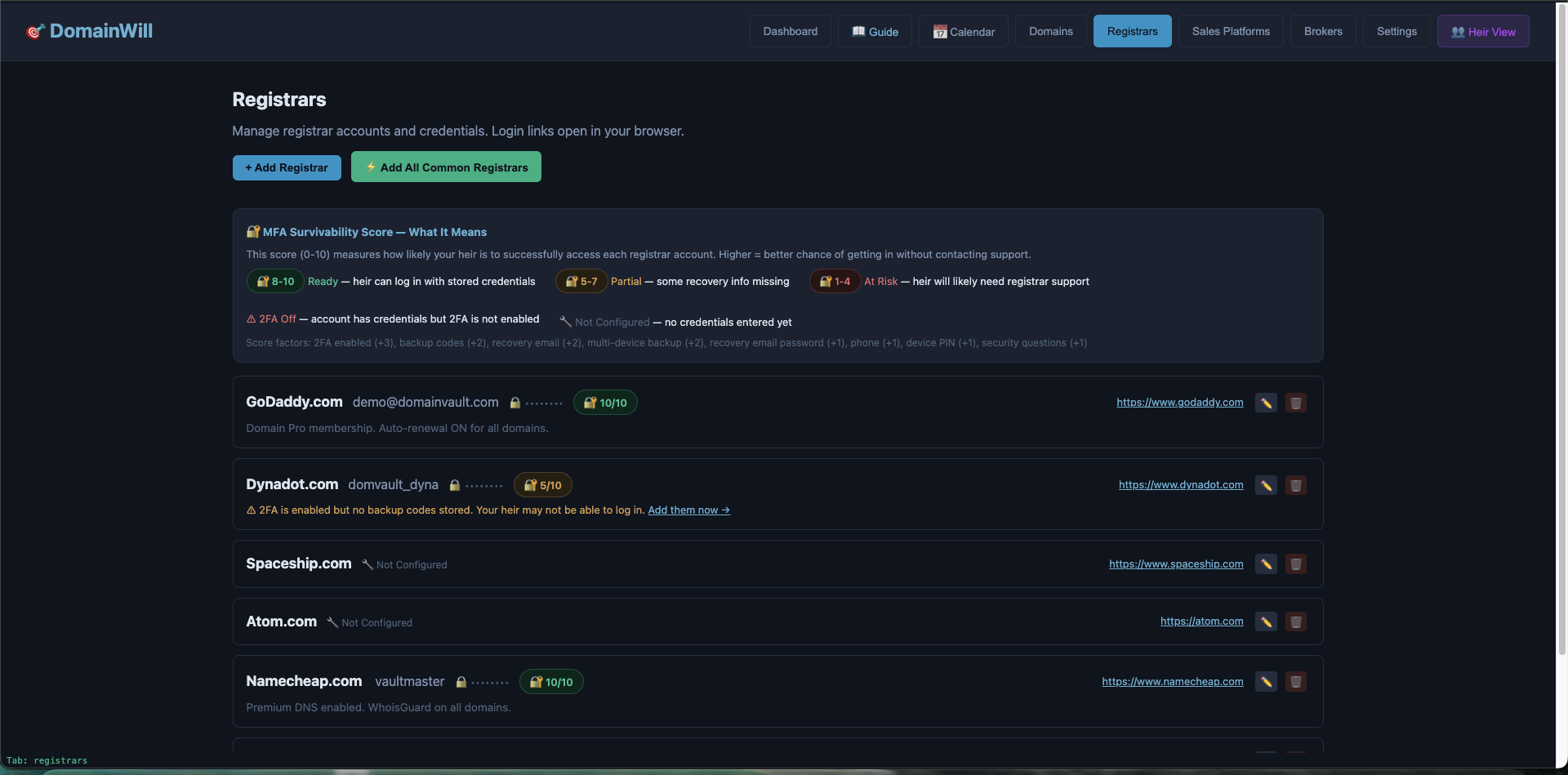
All of them. DomainWill stores credentials manually — it doesn't connect to registrar APIs. You add your registrar name, login URL, username, password, and MFA details. Common registrars (GoDaddy, Dynadot, Namecheap, Spaceship, Porkbun, Sav, Atom) are pre-loaded for quick setup.
Is there a mobile version?
▼
Not currently. DomainWill is a desktop app (Mac, Windows, Linux) because that's where domain investors do their work. A mobile companion app may come in the future, but the focus right now is making the desktop experience bulletproof.
How much does it cost?
▼
$99 one-time payment for a lifetime license. Start with a 14-day free trial, no credit card required. If it's not for you, just don't buy. No subscriptions, no recurring fees. Heirs never pay — anyone who receives an inherited vault gets full access for free.
Can I export my data?
▼
Yes. CSV export, encrypted vault backups, and three purpose-built PDFs:
📄 Full Inheritance PDF — The complete packet. Portfolio summary, every domain with valuations and status, registrar credentials (usernames, passwords, 2FA backup codes), sales platform logins, broker contacts, and per-domain heir instructions. This is the "put it in a safe deposit box" document.
🚨 Beneficiary PDF — A stripped-down version with domain names, statuses, and action steps — but no passwords, valuations, or financial data. Safe to email. This is what the Dead Man's Switch auto-sends to your beneficiaries.
📝 Handoff Letter — A printable one-page letter designed to be stored with your physical will. Explains what DomainWill is, how to find and open the vault, and who to contact for help. Written for someone who's never heard of domain investing.
What's Heir Mode?
▼
Heir Mode is a separate, dedicated dashboard designed for the person who inherits your portfolio. It translates everything into plain language, provides step-by-step guides (renew, transfer, sell, contact a broker), a domain glossary, suggested minimum offers, liquidation options, and pre-written email templates. It's built for non-domainers.
How do I set up my beneficiaries?
▼
Go to Settings → Beneficiaries and add anyone who should receive your inheritance instructions. Include their name, email, phone, and relationship. You can also assign individual domains to specific beneficiaries in the domain editor. When the Dead Man's Switch triggers, they all get notified.